
For teachers and tutors
Show your class a street. They guess where in the world it is.
A lesson room plays real walking-tour videos with no chat and no timer, and you can pause the video for everyone. Free, and students need no account.
Start a lesson roomOne click opens a private room. Nothing to sign up for.
How a lesson runs
Open a lesson room
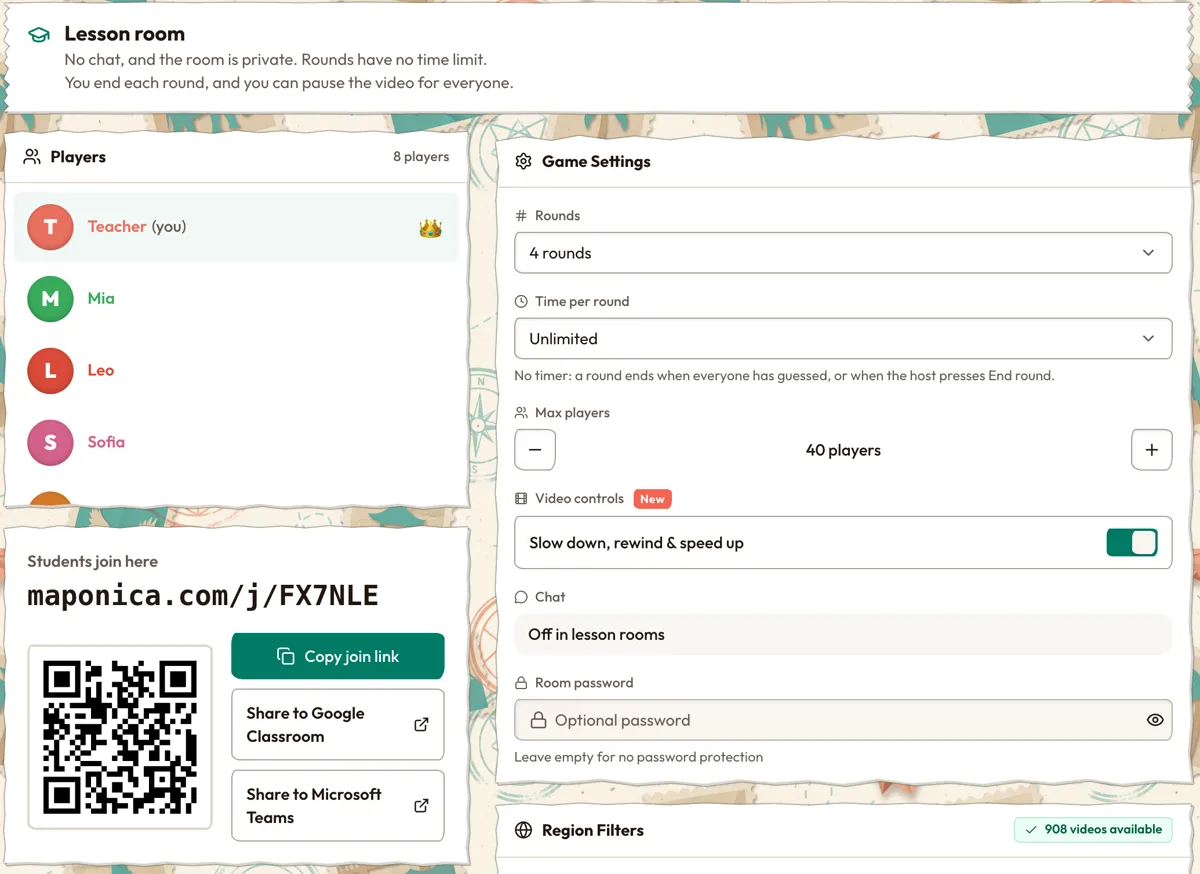
Press Start a lesson room. You land in the lobby of a private room, with a join link and a QR code for your class.
Students join
They scan the QR code or open the link, type a name and they're in. You can also send the link with Share to Google Classroom or Share to Microsoft Teams.
Watch, guess, talk
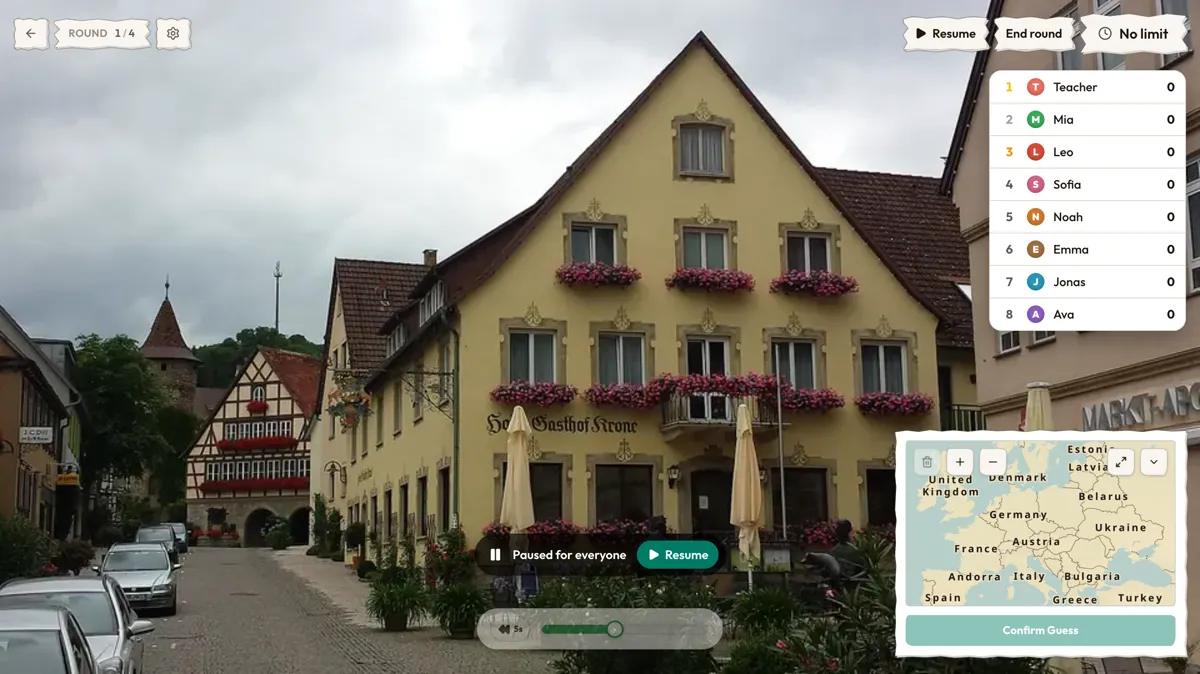
Everyone watches the same street video and drops a pin on the map. Pause to talk about what you see, end the round when you're ready, and the map shows every guess next to the answer.
What your students need
A browser
Phones, tablets, Chromebooks and school laptops all work. Nothing to install.
A name for the game
No account, no email, no password. A first name or a nickname is enough.
YouTube
The videos play from YouTube, so the school network has to allow it.
What you control
Pause for everyone
Every student's video stops on the same frame until you press Resume.
No chat
Chat is off and can't be turned on. The room is private and never appears in the public list.
No timer
A round lasts until everyone has guessed or you press End round.
Next video
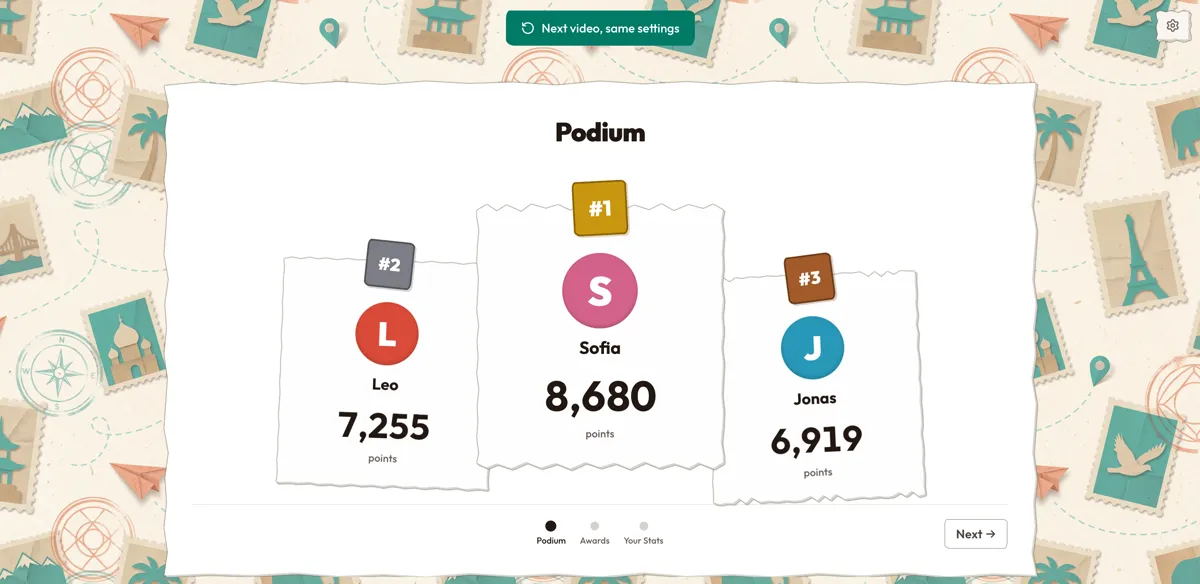
At the end, Next video, same settings starts a new game with the same class.
Your settings
A lesson starts with 4 videos from the whole world. In the lobby you can change the number of videos or pick a continent or country. Keep Time per round on Unlimited: pause and End round need it.
Room to look again
Students can rewind or slow down their own video. Latecomers watch the current round and play from the next one.
Ideas for your lesson
Geography: read the clues
Before you end the round, ask for evidence. Which side of the road do cars drive on? What script is on the signs? What grows by the road? Then set the room to the continent you're teaching.
Language lessons: describe, then guess
Pause on a busy street and ask students to describe what they see. Then each one says where they think it is and why, in the language they're learning.
One-to-one tutoring
Send the link in your lesson chat and play side by side, or share your screen and guess together. Pause works the same with one student as with forty.
A warm-up or a wrap-up
Play a video or two at the start or end of a lesson and stop when the bell rings. Nothing to set up, nothing to save.
Questions teachers ask
Is it free?
Yes. Lesson rooms are free, and you don't need an account to open one.
Will my students see ads?
Maponica is free and is paid for by ads. Our ads can appear in the lobby and on the results screen, which students see too. We never put them over the video or the map during a round.
What if my school network blocks YouTube?
Then the videos won't play: the game needs YouTube. Before the lesson, open any YouTube video on a student device to check, or ask your IT team to allow YouTube.
How many students can join?
A lesson room starts with room for 40. If your group is bigger, raise Max players in the lobby before students join.
What data do you keep about students?
Students don't create accounts and we never ask them for an email. They type a name for the game, so a first name or a nickname is enough. We keep their games (scores and guesses) under an anonymous player ID with no email attached. The privacy policy lists everything we collect and how long we keep it. Read the privacy policy.
Do I need an account?
No. Press Start a lesson room and you're in the lobby.
Ready for your next lesson?
Open a room now to see how it works. Close the tab when you're done.
Start a lesson roomBookmark this link to skip this page
It opens a new lesson room straight away. Put it in your lesson plan or share it with colleagues.
Questions or ideas? hello@maponica.com